
Bulk Edit Shopify Products Without Spreadsheets
Update titles, prices, tags, inventory rules, and product status across thousands of products - safely, instantly, and without CSV files.
Install Shopify App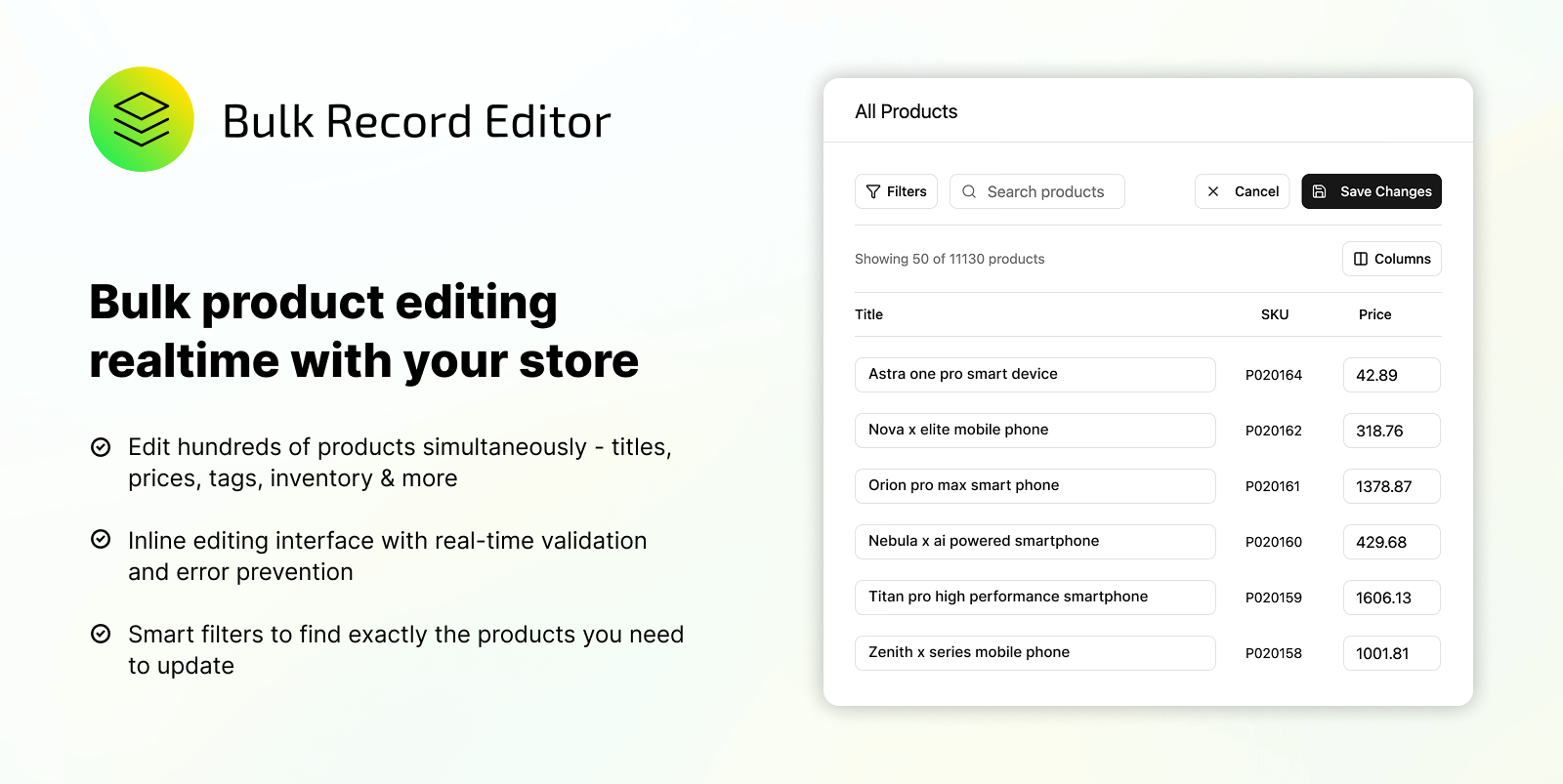
Our Process
How it Works
- 01
Select products using filters
Filter by collection, tags, inventory, vendor, price, status, or variants.
- 02
Choose what you want to update
Edit prices, titles, tags, product status, inventory rules, or metafields.
- 03
Preview all changes
See exactly what will change before anything is applied.
- 04
Run bulk update safely
Jobs are queued, rate-limit aware, and fully logged.
- 05
Track history & iterate
Review past edits, reuse rules, and refine workflows over time.
Shopify bulk editor in action
Bulk Editing & Automation Capabilities
Bulk Product Editor
Edit titles, descriptions, prices, tags, vendors, and status across thousands of products in one run. No CSV required.
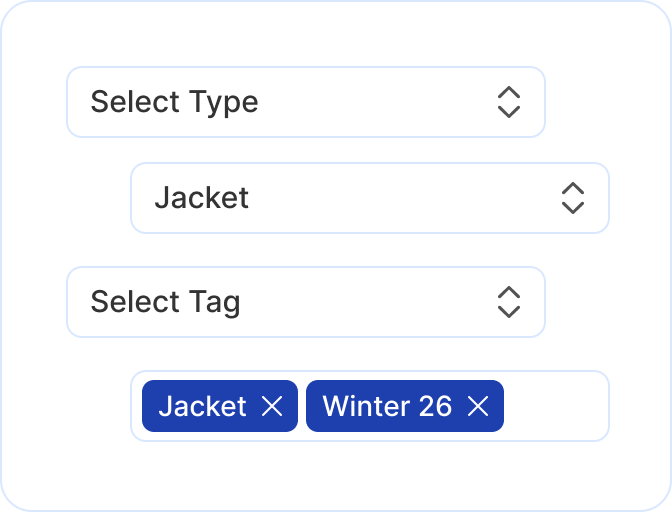
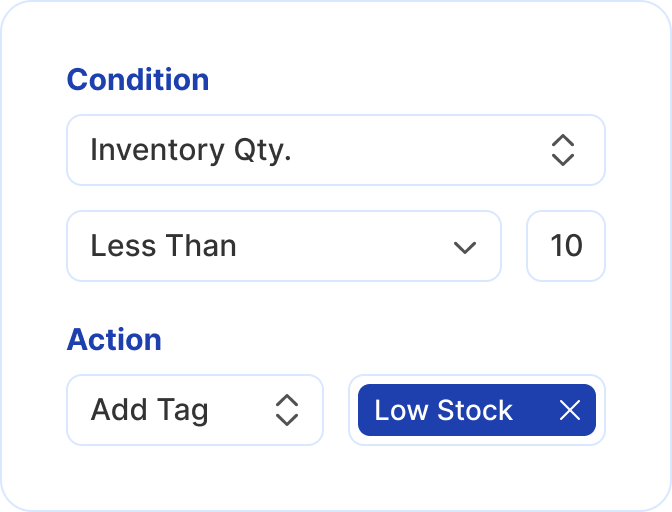
Inventory-Based Automation
When inventory changes, automatically tag, untag, or update products. Your catalog and tag-based collections stay accurate.
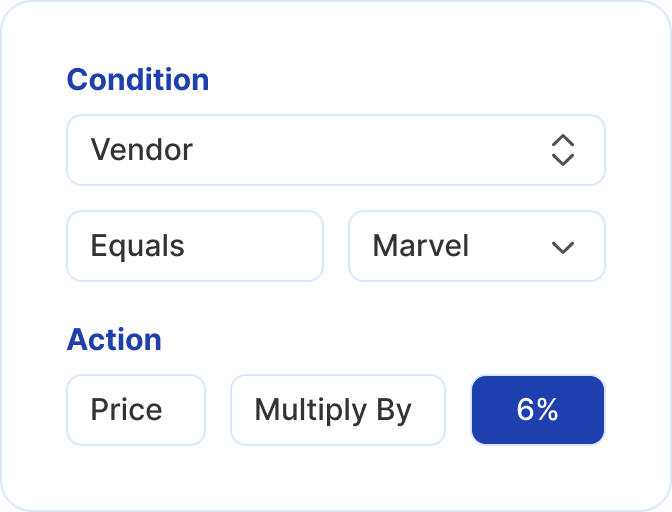
Price Rules
Increase, decrease, or reset prices when conditions are met. Set rules by vendor, tag, or inventory.
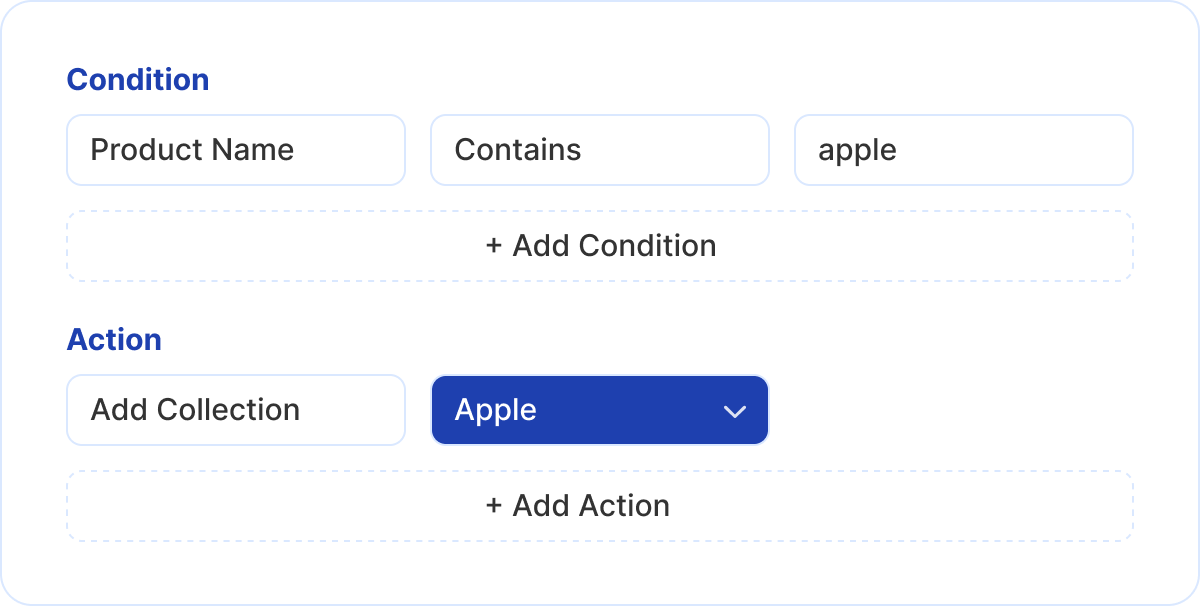
Collection Automation
Add or remove products from collections based on tags, inventory, or other rules.
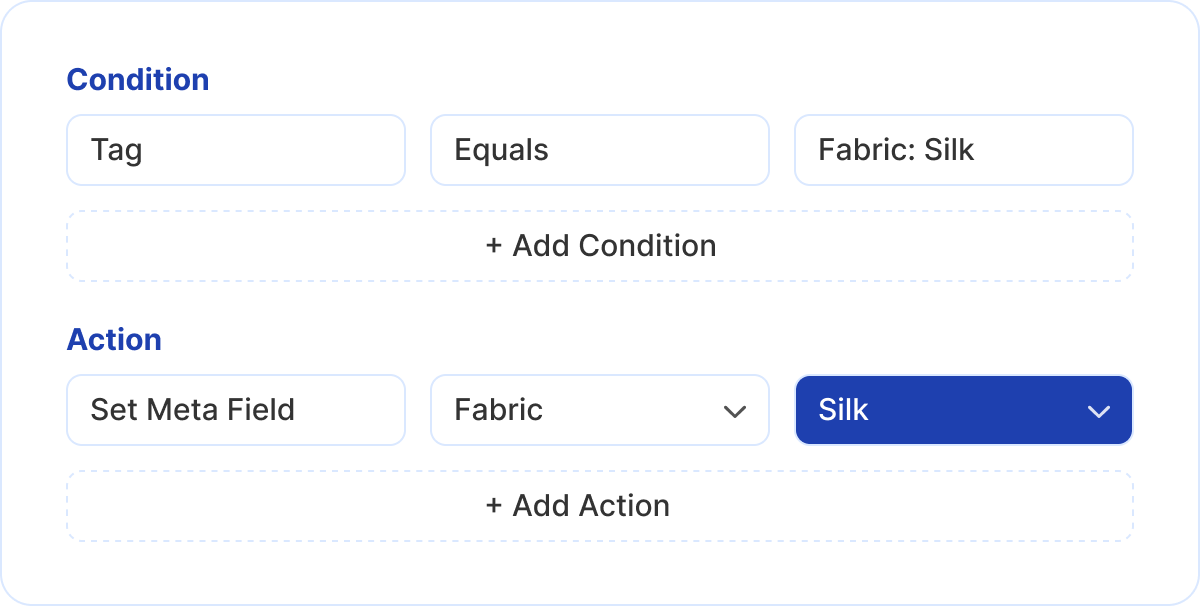
Metafield Management
Update metafields in bulk across your catalog - no CSV imports or manual edits.
Who uses Bulk Editor
Make fast, confident catalog changes without technical help. Perfect for founders managing products, pricing, and inventory on their own.

eCommerce Operations Teams
Handle frequent product updates, seasonal changes, and inventory-driven workflows without slowing down or risking manual errors.

Agencies & Multi-Store Managers
Manage large catalogs across multiple Shopify stores with repeatable rules, previews, and execution history - without custom scripts.

Solo Merchants & Store Owners
Make fast, confident catalog changes without technical help. Perfect for founders managing products, pricing, and inventory on their own.
Insights from managing Shopify catalogs at scale
Short, practical articles based on real problems we see while managing large Shopify catalogs, automation rules, and bulk operations.


Common Shopify catalog automation use cases
Automatically apply low-stock tags when inventory falls below defined thresholds, keeping collections, filters, and merchandising logic accurate.
Read More
Add products to collections automatically when conditions are met, reducing manual merchandising effort and keeping collections continuously updated.
Read More
Automatically apply sale or promotional tags when products are discounted, keeping storefront messaging aligned with active pricing rules.
Read More
Update product descriptions automatically when conditions are met, keeping content accurate across large catalogs without repetitive manual editing.
Read More
Find and replace text across thousands of products at once to fix errors, update messaging, or standardize content in a single action.
Read More
Trusted by teams managing complex catalogs
"Most of our time used to go into repetitive administrative catalog work. Using structured bulk actions and automation helped us focus on higher-value improvements instead."
Veronica Cupertino
eCommerce Operations Lead
"This tool removed the need to jump between systems just to manage pricing and approvals. Changes that took hours now take minutes with far fewer errors."
Ryan McSwiss
Commerce Consultant
Frequently asked questions
Common questions about Shopify bulk editing, automation rules, and safe catalog operations.
1. What does Shopify Bulk Editor help you do?keyboard_arrow_down
Shopify Bulk Editor lets you update product titles, prices, tags, status, collections, and metafields in bulk while previewing changes before applying them.
2. Can I bulk edit products without using CSV files?keyboard_arrow_down
Yes. You can bulk edit products directly inside Shopify without exporting or importing CSV files, reducing errors and saving time on manual updates.
3. Is Shopify Bulk Editor safe for live stores?keyboard_arrow_down
Yes. All changes are previewed and validated before execution, and updates are processed safely using queued jobs that respect Shopify limits.
4. What types of automation rules does the app support?keyboard_arrow_down
The app supports inventory, pricing, collection, metafield and content automation rules that automatically update products when stock, price, or conditions change.
5. Can I automate inventory-based actions?keyboard_arrow_down
Yes. You can automatically tag, untag, or update products when inventory is low, out of stock, or back in stock without manual monitoring.
6. Does the app support bulk price updates?keyboard_arrow_down
Yes. You can increase, decrease, or reset product prices in bulk using rules or one-time actions, without relying on spreadsheets or manual edits.
7. Can I manage collections automatically?keyboard_arrow_down
Yes. Products can be added to or removed from collections automatically based on rules, keeping collections accurate as product data changes.
8. Does Shopify Bulk Editor support metafields?keyboard_arrow_down
Yes. You can create, update, or clear metafields across thousands of products in bulk, making structured data management fast and consistent.
9. Can I see what changes will be applied before running a job?keyboard_arrow_down
Yes. Every bulk edit and automation rule includes a preview step so you can review exactly what will change before anything goes live.
10. Is there a history of past bulk edits and automations?keyboard_arrow_down
Yes. The app keeps a history of executed bulk actions and automation runs, helping teams track changes and maintain operational visibility.
Ready to bulk edit without CSV?
Install Bulk Editor from the Shopify App Store and start updating products, running automations, and keeping your catalog accurate.
Questions? Contact us for a quick call.